← All services INDUSTRY & AUTOMATION

Scanner systems
built around the workflow.

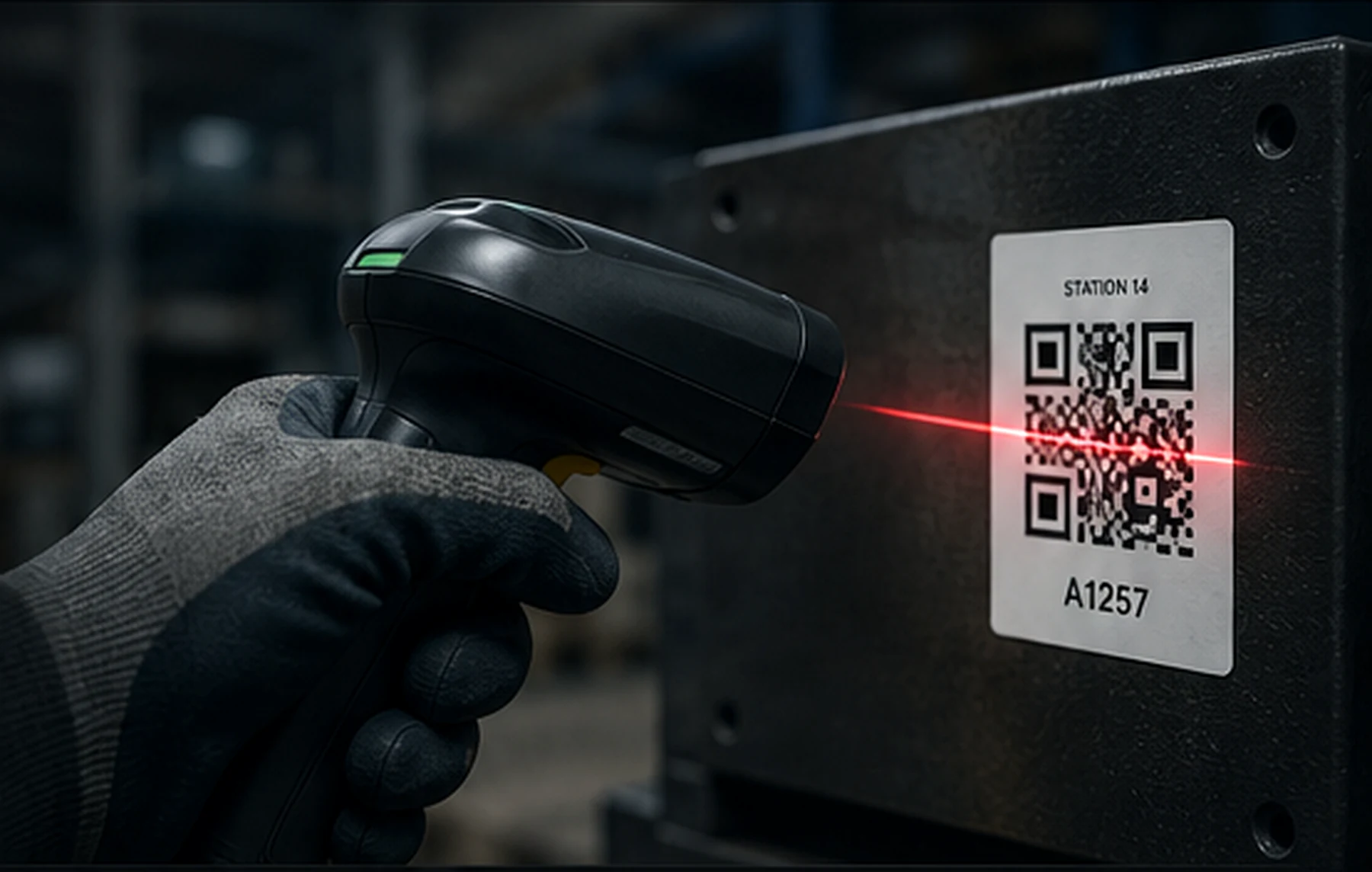
From one simple scan point to a distributed operational network. We design the scanner, interface, server logic, database and integrations around what should happen after the code is read.

Display optional Local web application Real-time feedback Integration ready
01 / INPUT → ACTION

The scanner is only the input device.

The real solution is what happens after the scan.

A scanner can provide nothing more than an identifier. The surrounding system can then validate it, look up information, apply business rules, create a task, update a status, guide an operator, notify another user, store history or send data to another system. That logic is where a simple scanner becomes an operational tool.

FROM SIMPLE TO DISTRIBUTED

Choose the level the workflow actually needs.

A scanner system does not have to start large. The same basic principle can be used for a single registration point or expanded into several stations and user views.

01
▱

Simple scan point

A scanner without its own display reads a QR code or barcode and sends the value directly to a local application.

  • USB/HID, wired or network-connected readers
  • Fast identification and registration
  • Data lookup or simple confirmation
  • No screen required at the scan point
SCAN→APP→ACTION
03
⌘

Distributed scanner network

Several scan points can share the same server, database and current status while different users receive different views.

  • Multiple scanners and locations
  • Shared database and history
  • Operator, overview and administration views
  • Scalable server and integration layer
STATIONS→SERVER→USERS
WHAT CAN A SCAN DO?

One read can start an entire process.

The examples below are generic building blocks. A system can combine only the functions that make sense for the customer.

01Material requestCreate or update a need for material.
02Item identificationOpen the correct article, product or record.
03Inventory movementRegister movement between locations.
04Picking confirmationValidate that the correct item was selected.
05Delivery confirmationConfirm that an action or delivery is complete.
06Production stepRecord a process step or status change.
07Job / task creationCreate a task from a physical scan.
08Maintenance requestIdentify equipment and open the right workflow.
09Access / registrationIdentify a user, station or permitted action.
10Inspection stepGuide a check and store the result.
11TraceabilityBuild timestamped history around events.
12Information lookupOpen instructions, files or live system data.
LOCAL BY DESIGN

Run the core workflow on the customer's own network.

A scanner solution can be built as a local web system where scanners, displays and approved computers communicate with a server inside the customer's environment. The core process can be designed to work without a public internet connection.

01

Local web application
Any approved browser can become an operator or overview screen.

02

Local database
Operational data and history can remain inside the environment.

03

Right-sized server
Raspberry Pi, mini-PC, industrial PC, existing Linux server or virtual machine depending on the load.

04

Optional external services
Cloud APIs or remote services are added only where the workflow benefits from them.

LOCAL SYSTEMGENERIC ARCHITECTURE
SCANhandheld
FIXEDreader
MOBILEcomputer
↓
LOCAL NETWORK Wi-Fi / Ethernet / USB gateway
↓
WEB / API SERVER logic · validation · routing · permissions
DATABASEstatus · history · configuration
WEB CLIENTSoperator · overview · admin
OPTIONAL → existing systems / external APIs
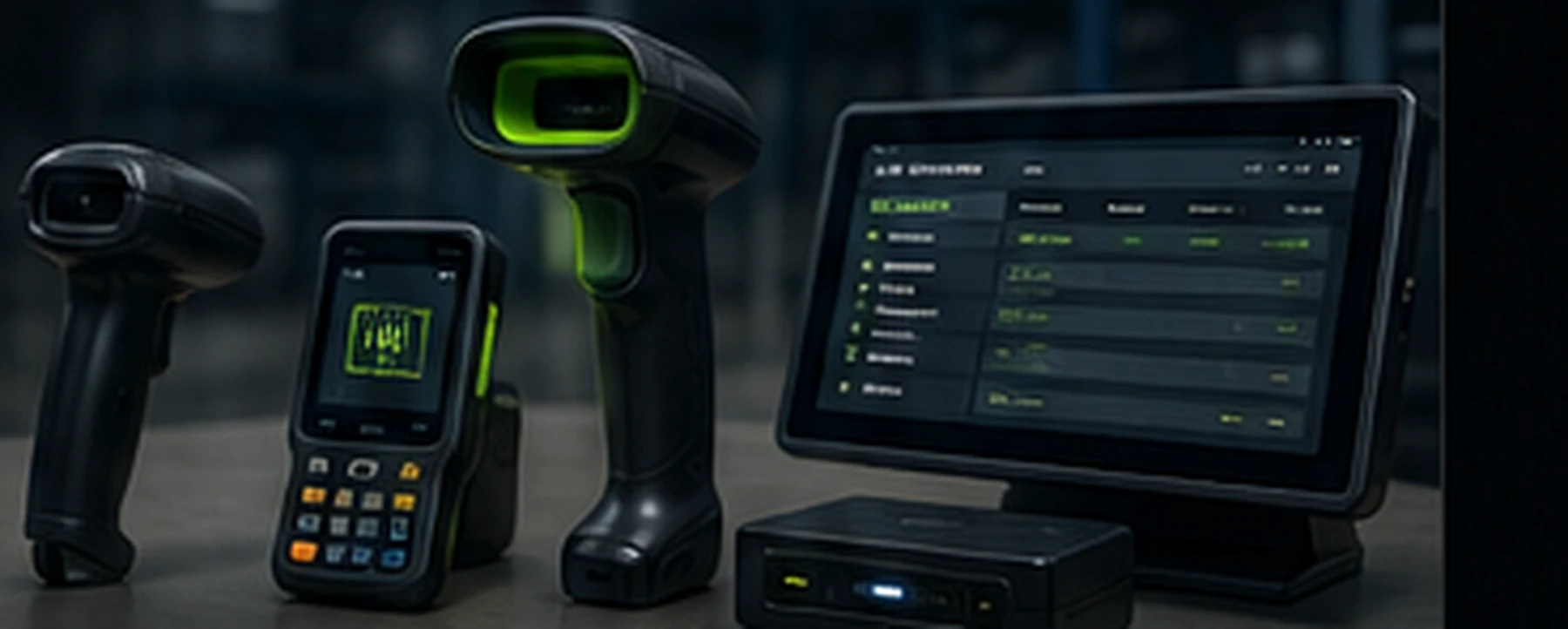
Illustrative scanner hardware, mobile scanner and operator display Illustrative hardware configuration
HARDWARE CHOICES

Use the device that fits the physical work.

The application should not force one scanner type. Hardware is selected around distance, code type, environment, feedback requirements, mobility and how often the device is used.

NO DISPLAY

Simple handheld readers for fast repetitive scanning.

MOBILE COMPUTER

Scanner with integrated screen, buttons and network connection.

FIXED READER

Stationary reading where the item passes a known position.

SEPARATE DISPLAY

Industrial touchscreen, tablet or existing computer for richer feedback.

1D / 2D

Barcodes and QR/Data Matrix depending on the use case.

CONNECTION

USB, Ethernet, Wi-Fi or other supported device interfaces.

OPERATOR INTERFACE

Show only what the user needs at that moment.

The scanner does not need a display of its own. A separate web interface can provide immediate confirmation, warnings, instructions and the next available action. The same backend can serve a very simple station view and a more detailed overview for another role.

  • Large status feedback that can be read at a glance
  • Context-specific buttons instead of crowded menus
  • Clear errors when a scan is invalid or out of sequence
  • Responsive layouts for touchscreens, tablets and desktop browsers
OPERATIONS● ONLINE
OPEN14
ACTIVE06
DONE38
REQUESTSTATUSACTION
#A-1042
Material / location
NEW
#A-1041
Internal task
ACTIVE
#A-1040
Confirmation
DONE
SCANNER INPUT READYLOCAL SERVER
GENERIC SCAN → ACTION FLOW

The process is configurable, not hard-coded to one use case.

This is intentionally generic. The same chain can represent logistics, maintenance, registration, inspection, production or another operational workflow.

01SCAN

Read an item, location, user or equipment identifier.

→
02IDENTIFY

Look up the object and current context.

→
03VALIDATE

Apply rules, permissions and sequence checks.

→
04ACT

Create, update, route or request something.

→
05FEEDBACK

Tell the right user what happened or what comes next.

→
06LOG

Store status and history for traceability.

INTEGRATION READY

Build around the systems the customer already has.

A scanner solution does not need to become another isolated island. Where supported technical access exists, the application can exchange information with databases, ERP/WMS platforms, maintenance systems, internal APIs, files or other web services.

The available integration method always depends on the customer's existing system, permissions, documentation, licensing and security requirements.

REST / APIDatabasesImport / exportERP / WMSMaintenanceCustom interfaces
DESIGN FOR REAL OPERATIONS

The boring details are what make the system useful every day.

Good scanner systems are not just fast demos. They need predictable feedback, clear recovery when something goes wrong and an architecture that is understandable to maintain.

FAST FEEDBACK

The user immediately sees whether the read was accepted.

VALIDATION

Wrong codes, duplicate actions and invalid sequences can be rejected.

LOCAL RESILIENCE

Core workflows can be designed around local infrastructure.

ROLES & ACCESS

Different users can receive different views and permissions.

HISTORY

Important events can be timestamped and stored for traceability.

BACKUP & RECOVERY

Data and configuration can be handled with an agreed backup strategy.

SCALABILITY

Start with one workflow and add stations when there is a reason to.

MAINTAINABILITY

Clear system boundaries make later changes and integrations easier.

FROM ONE SCANNER TO A COMPLETE OPERATIONAL NETWORK

Start with the workflow. Build only what makes it better.

Tell us what should happen when something is scanned. We can help define the device, interface, local architecture, data flow and integrations around it.

Discuss a scanner system